Select Option
PHP Developer Guide: generate_select_option Function
This guide explains how to use the generate_select_option function from your PHP framework. This function dynamically generates an HTML <select> element with various features like:
- Single or multiple selection
- Dynamic child loading via AJAX
- Additional attributes and classes
Select option can be initialized by JSON, JS, PHP and HTML
Basic Example
- JSON
- JS
- HTML
- PHP
{
            "element": [{
              "select_option": {
                  "title": "Country",
                  "name": "country_id",
                  "col_name": "title"
            }]
}
$('<my_tag_selector>').av_select({search: true, type: 'multiple', ...});
<div class="<class>">
  <select name="status">
    <option value="1">Active</option>
    <option value="2">Inactive</option>
  </select>
</div>
Example Select Element Classes and JS Configuration
| Class | Type | Searchable | Multi-select |
|---|---|---|---|
sel_ss | Single select | ✅ | ❌ |
sel_sn | Single select | ❌ | ❌ |
sel_ms | Multiple select | ✅ | ✅ |
sel_mn | Multiple select | ❌ | ✅ |
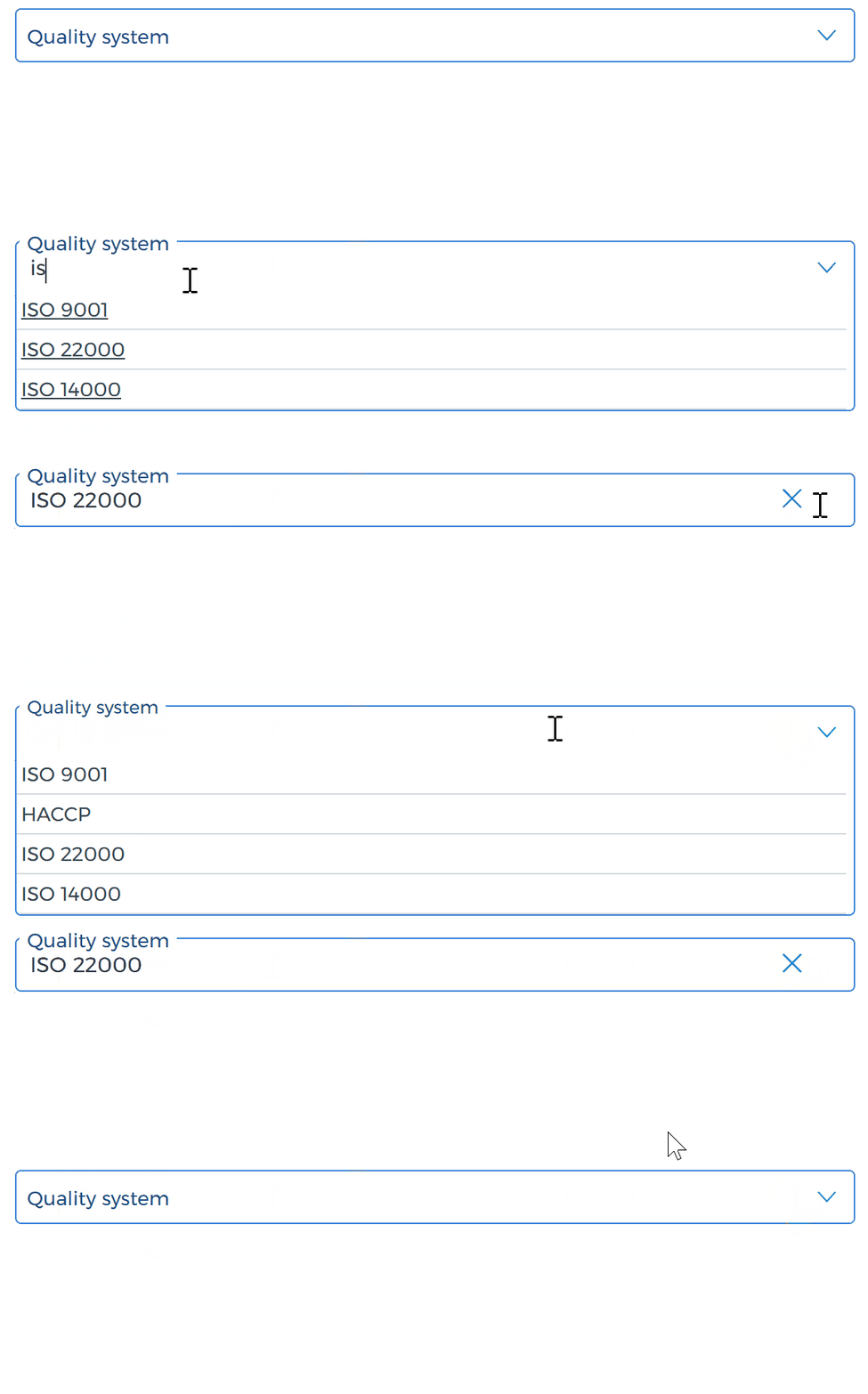
sel_sa | Autocomplete select | ✅ | ❌ |
$list = [
    1 => 'Option One',
    2 => 'Option Two',
    3 => 'Option Three'
];

$selected = 2;

echo $this->generate_select_option('my_select', $list, $selected);
public function generate_select_option($name, array $list, $value, array $params = []): string
Parameters
| Name | Type | Required | Description |
|---|---|---|---|
$name | string | ✅ | The name attribute for the <select> element |
$list | array | ✅ | An associative array of options (key => label) |
$value | mixed | ✅ | Pre-selected value(s); can be a string or an array |
$params | array | ❌ | Additional configuration options (see below) |
public function get_select_option(string $column = '', array $value = [], array $params = []):string
Optional $params Keys
| Key | Type | Description |
|---|---|---|
type | string | 's' for single, 'm' for multiple selection |
on_change | string | JS function to call on change event |
add_class | array | Extra CSS classes |
add_id | string | Custom HTML id attribute |
title | string | Default option display text |
attr | array | Custom HTML attributes (key => value) |
manage_submit | string/bool | Used in view rendering logic |
has_child | array | Set if child dropdown behavior is required (url, result, label, etc.) |
Function Signature
Multiple Select Option
Example with Multiple Selection and Attributes
$params = [
    'type' => 'm', // As default 'type' => 's' (single)
    ...
];

$selected = [1, 3];

echo $this->generate_select_option('<my_select_option_name[]>', $list, $selected, $params);

📥 Calling Select Options via Backend Method
In addition to using generate_select_option() directly, you can also use the following wrapper method for dynamic dropdowns based on table names:
🧩 get_select_option() Method
public function get_select_option(string $tb_name = '', array $value = [], array $params = []): string
⚙️ Internals:
- Detects the target table name from
$tb_name, stripping_id,[], and multi-joins (e.g.,user__country_id) - Defaults to selecting the
title_{lang}column, or a custom one usingcol_name - Executes SQL like:
SELECT id, title_en AS title FROM country WHERE status > 0 - You can override:
tb_name(force target table)col_name(column to display)order(custom ORDER BY logic)list(provide a static array instead of a DB query)
Notes
- The function uses an internal view file (
form/select_option) to render the final HTML. - If
has_childis used, make sure your JS logic listens to the data attributes and updates the DOM accordingly. titleis optional but recommended to indicate the purpose of the dropdown.
JavaScript Integration Guide
To make the generated <select> elements interactive and stylized, you must initialize them with JavaScript after the DOM is fully loaded.
✅ How to Initialize av_select
The following JS snippet ensures all select boxes generated using generate_select_option() are styled and functional:
$(document).ready(function () {
    initSelects(); // Initializes all selecting with classes like .sel_ss, .sel_ms, etc.
});
With initSelects() called on document ready, this select will become interactive and styled.
Useful Init Calls
initTags();     // Initializes toggles, radios, accordions, tags
initSelects();  // Initializes all select elements
Make sure these are called in your global document ready function or after loading content via AJAX.
This is especially useful in low-code scenarios and configuration-based UI generation. The system will infer:
- Table:
country(fromcountry_id) - Display column:
title(fromcol_name) - Auto-loads data where
status > 0
Use get_select_option() in custom PHP logic or select_option JSON block for fast configuration in form builders.
Get child
To Enable Dynamic Child Loading
If the select box has the class parent_child, it will automatically support AJAX-based child loading via the get_child() function.
You must:
- Add the
parent_childclass. - Ensure
data-url,data-result, and otherdata-*attributes are set properly. - Call
initTags()to initialize all dynamic behaviors.
    <div class="sel_ss parent_child" data-url="<api_link>" data-result="<id_of_result_tag>">
        <select name="country_id">
            <option value="1">USA</option>
            <option value="2">Germany</option>
        </select>
    </div>