Details
Here is the English translation of your text:
In “Details,” usually one logical unit is displayed — for example, client details, payment, order, or any other logical unit of information. It can be of two types: simple or complex. It may read data from the database and display it directly. There is also the possibility to add additional information using HTML or display information using tables. The view can be organized in tabs.
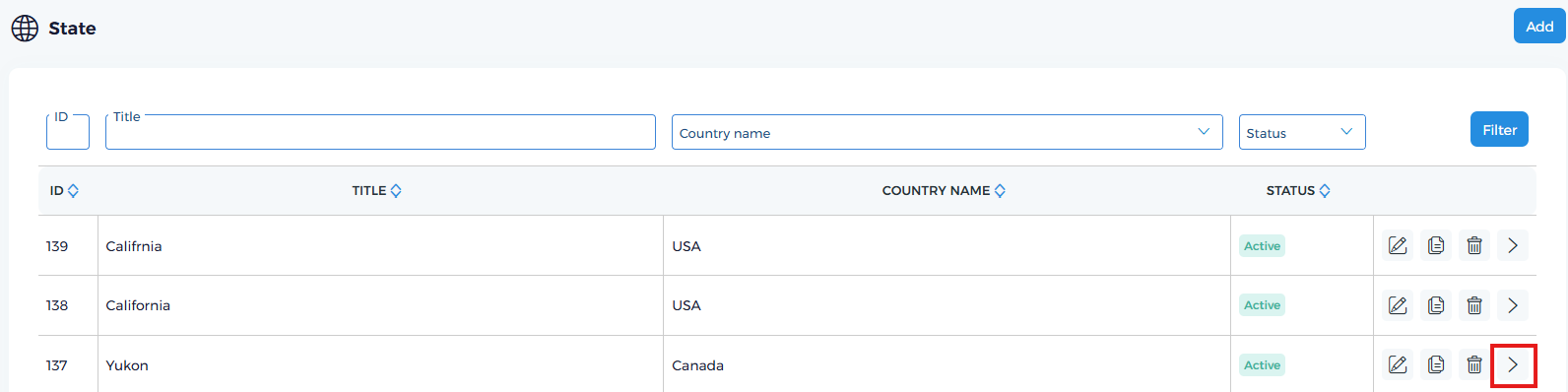
You can navigate to the details page from the list by clicking this icon.
Details page
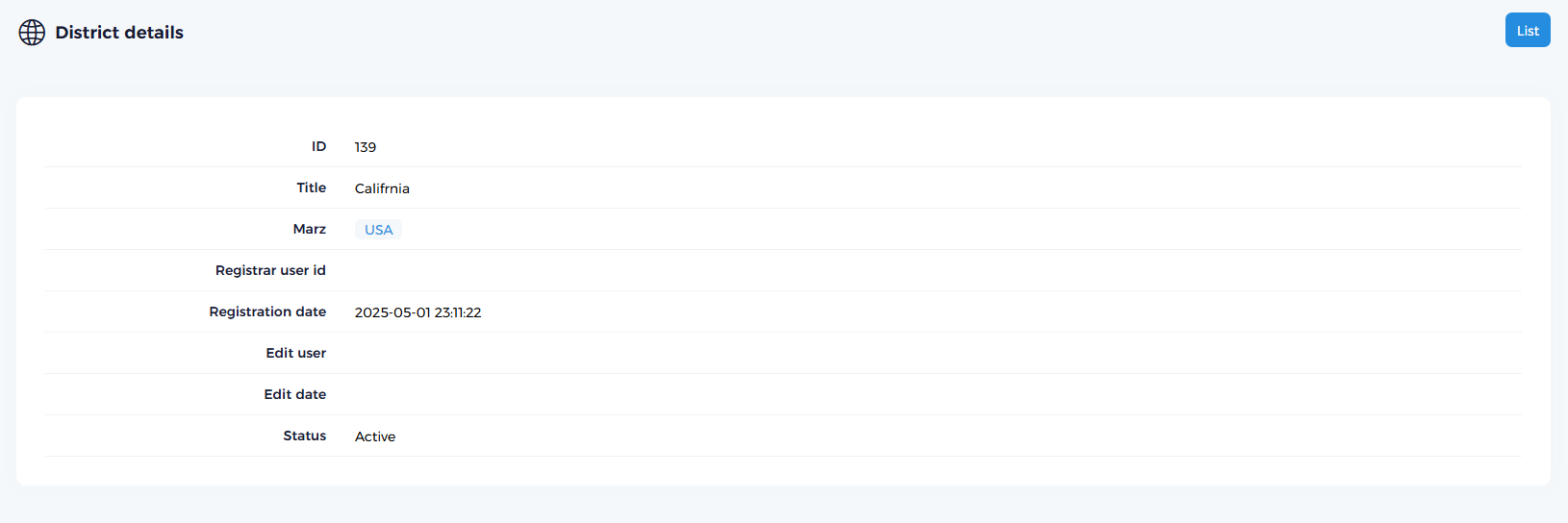
Generate a simple details page
For example, we have state and county tables in our database.
- JSON
- PHP
{
  "id": "139",
  "title": "Califrnia",
  "marz_id": "1",
  "registrar__user_id": "1",
  "registration_date": "2025-05-01 23:11:22",
  "edit__user_id": null,
  "edit_date": null,
  "status": "1"
}
public function state_details():string {

    $id = $this->lib->url->params('id');
    if (!$this->lib->valid->id($id)) {
        $this->app->error_404($this->app->language('undefined_id'));
    }

    $data = $this->addons->magic->exec_query_by_id('district', $id, []);
    if (!$data) {
        $this->app->error_404($this->app->language('data_not_found'));
    }

    return $this->addons->direction->get_details($data);
}
Example with HTML
$this->addons->direction->get_details_params($data,
[
    $this->language('document') => $this->get_document_tables(),
    $this->language('recommendation') => $this->get_recommendation_tables(),
    $this->language('order') => $this->get_order_tables(),
    $this->language('my_custom_title') => '<m_custom_html_code>'
]);
Example add button
- JSON
- PHP
{
  "add_button": [
    {
      "link": "https:\/\/example.com\/en\/direction\/action_name\/",
      "title": "My_button_name"
    }
  ]
}
$tables['add_button'][] = [
    'link' => $this->lib->url->url('direction', '<action_name>'),
    'title' => $this->language('<My_button_name')
];
Example with tabs
// $value is string
$params['tab']['']['data'][$this->language('MY_title')] = ['element' => [$value]];
// $data1, $data2, $data3 is assoc array
$params['tab'][$this->language('My_tab_1')]['data']['html'] = $data1;

$params['tab'][$this->language('My_tab_2')]['data']['html'] = $data2;

$params['tab'][$this->language('My_tab_3')]['data']['html'] = $data3;

return $magic->generate_details($params, '', true);
